

Publishing
Publishing your project is where the Ozu magic truly lives. When you hit the "Publish updates" button, Ozu will automatically pull your Laravel project from GitHub, inject your data and assets into the project, run and export it as a static site, and then push it to your deployment target.
Deployment targets
You can set up multiple deployment targets for your project. One can be your primary one and will be featured in the sidebar as the "Publication" page.
WARNING
To deploy to another target than the primary one, go to the configuration page, click on your desired target, and you'll be able to publish your project from there.
Publishing process
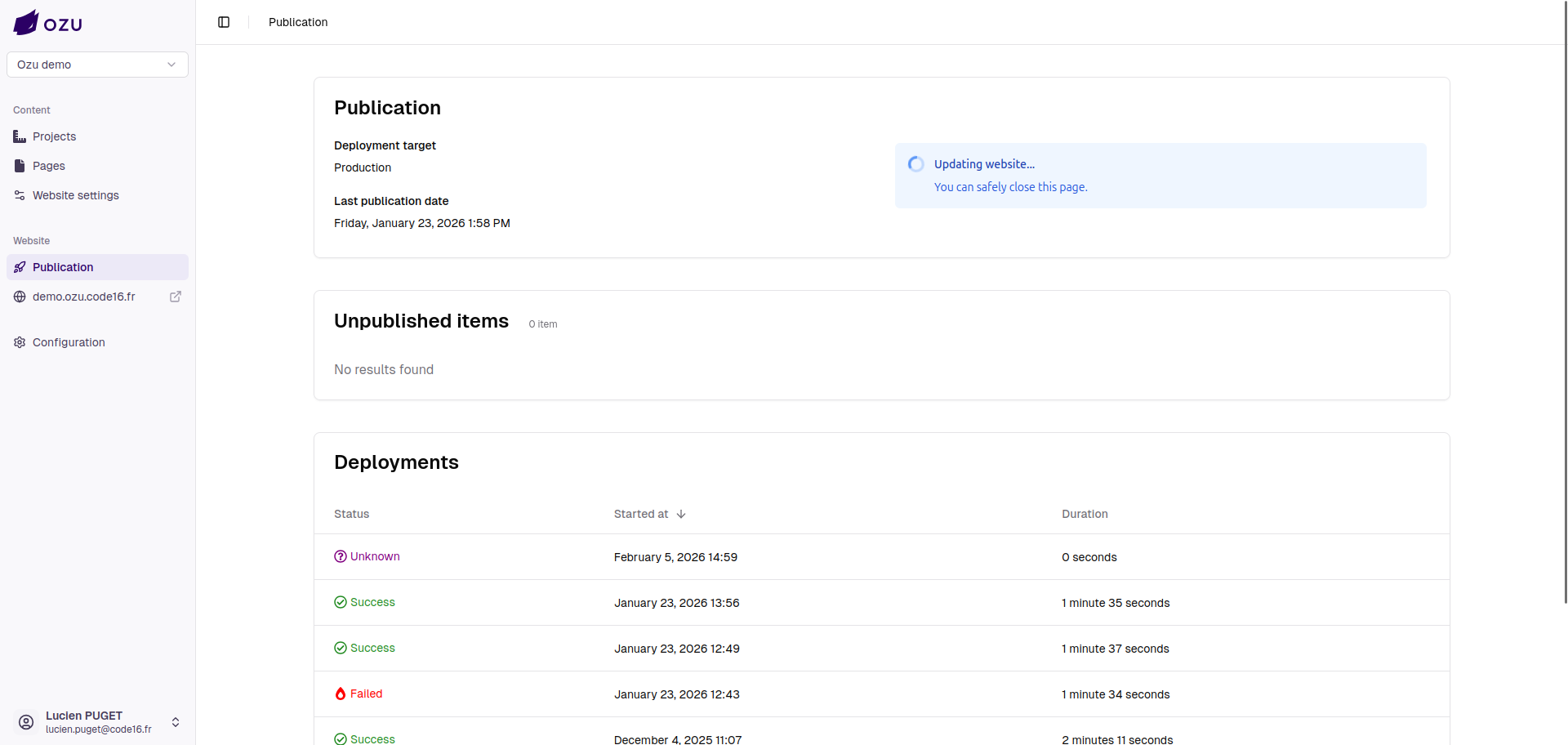
When you hit the "Publish updates" button, the publication process will start in the background. You won't be able to see the deployment logs until the process is finished.
INFO
An "Unknown" state deployment will appear on your deployments list; it will be updated with the deployment logs as soon as they are available.
Accessing deployment logs
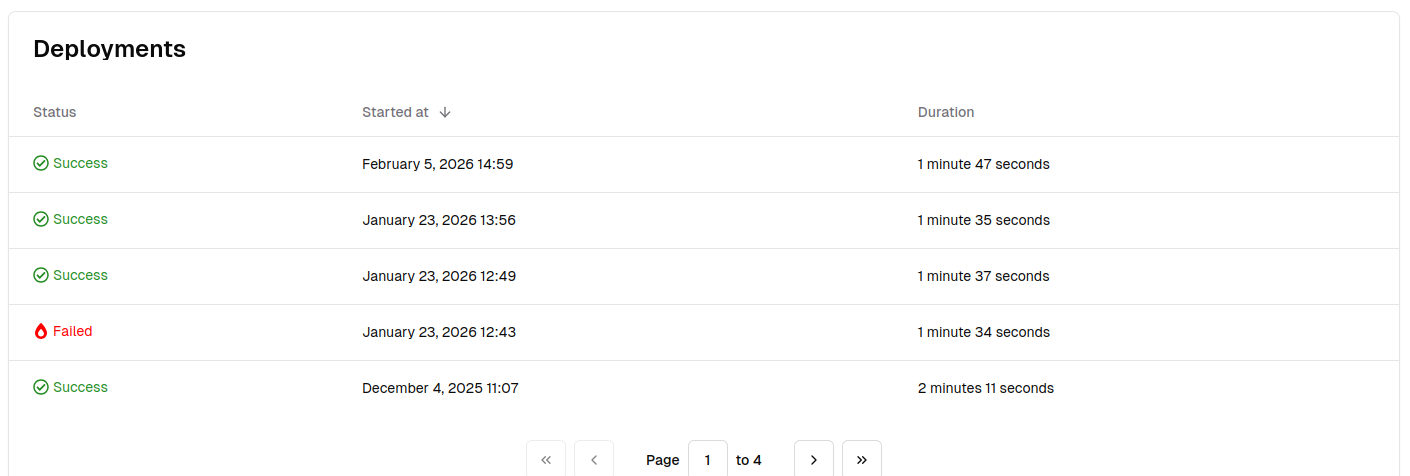
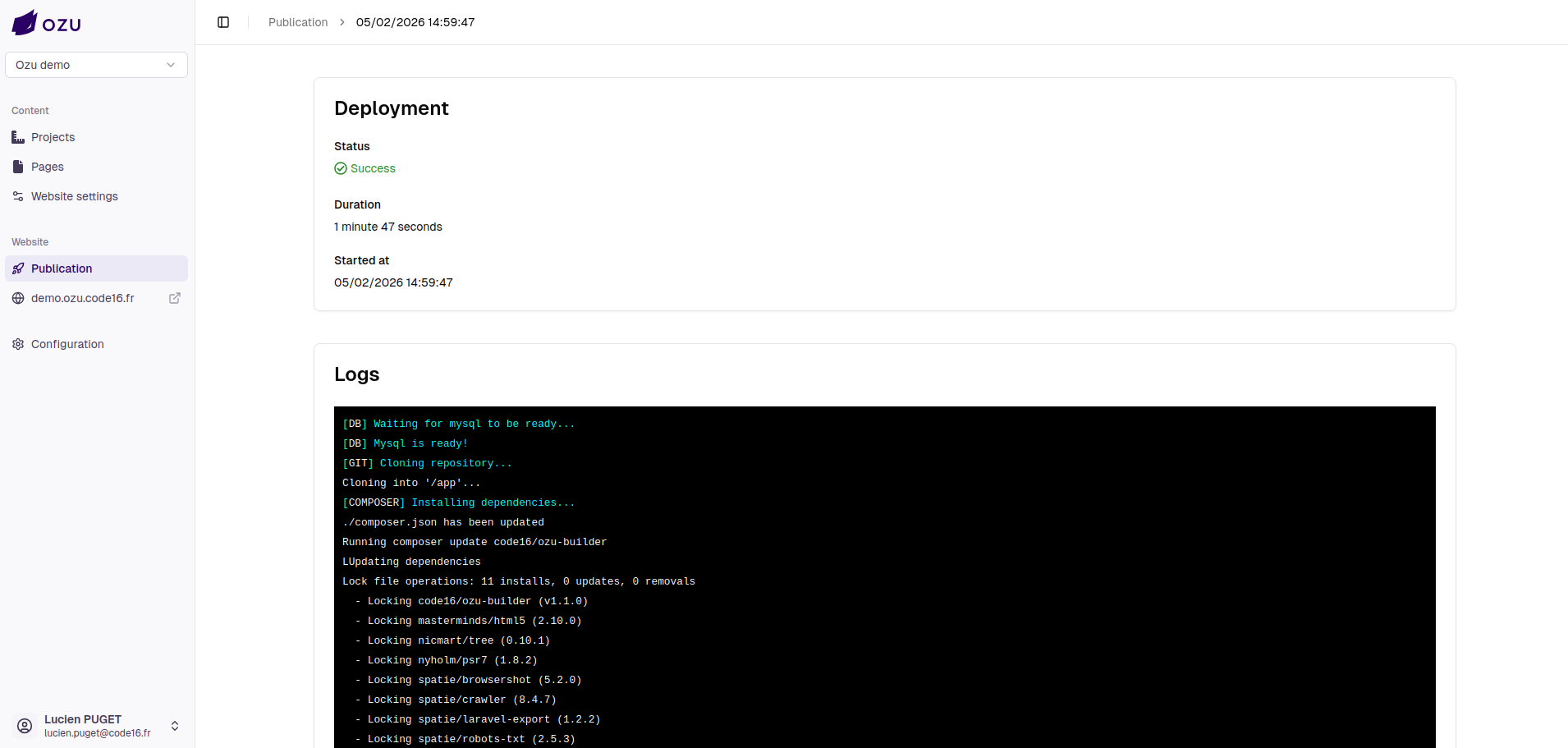
By clicking on a previous deployment, you can access the deployment page where the deployment logs and other information live.
Troubleshooting
You may encounter some issues during the publication process, here are some common mistakes:
- You use the wrong database driver on your project (only MySQL is supported for now).
- You have an error somewhere in your code that prevents the crawler from accessing a page and crashes the export.
- You use an incompatible PHP extension that is not available on the deployment worker.
You'll find more information about what went wrong in the deployment logs.